Why Is My Website Not Showing Up on Google? (And How to Fix It)
Rob Haynes
June 22, 2026 · 7 min read
You've built your website. You've told your friends, shared it on social media, maybe even printed it on your business cards. Then you sit down, type your business name into Google, and nothing. Or worse, you search for the services you offer and a string of competitors appear, but your site is nowhere to be seen.
If this sounds familiar, you're not alone. "Why is my website not showing up on Google?" is one of the most common questions small business owners ask, and the good news is that in most cases, it's a fixable problem with an identifiable cause.
This guide will walk you through the most likely reasons your website isn't appearing in Google search results, and what you can do about each one.
First Things First: Is Your Website Actually Indexed?
Before diving into reasons and fixes, it's worth checking whether Google knows your website exists at all. This is called indexing; it's the process by which Google discovers, crawls, and stores your website so it can show it in search results.
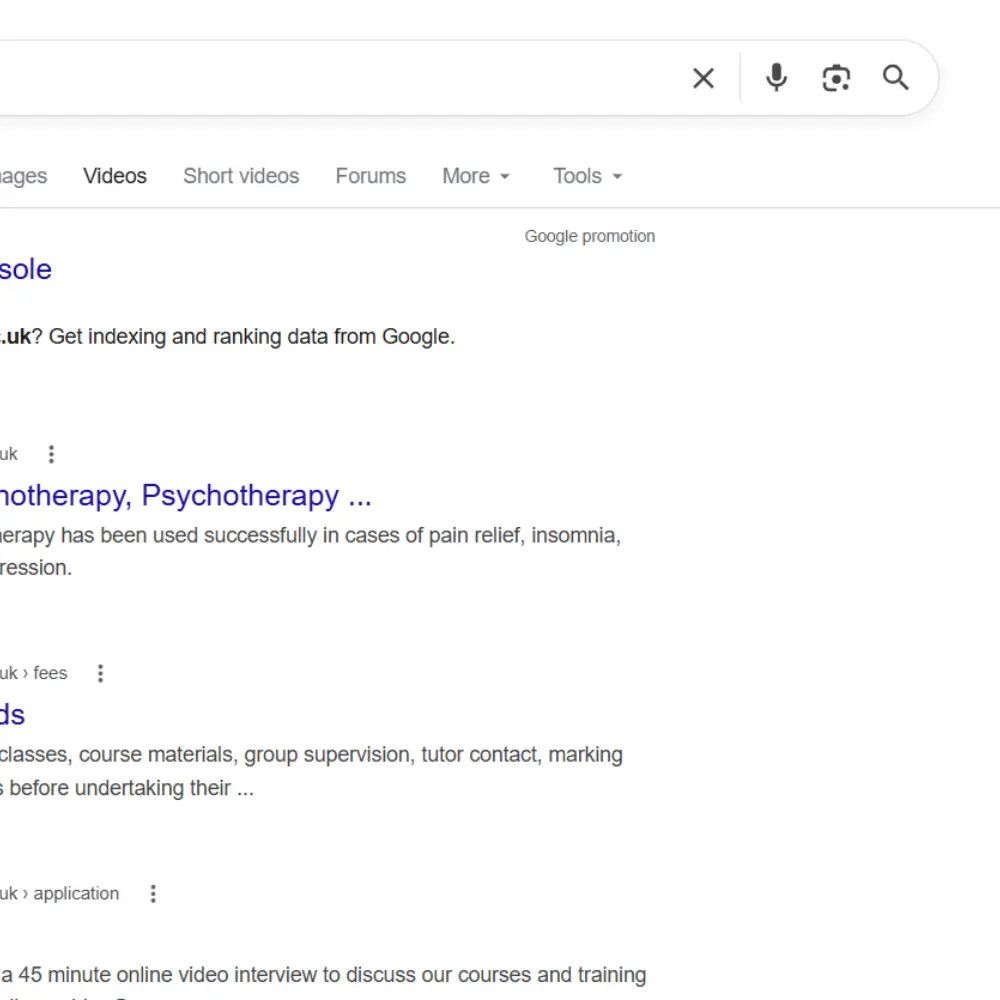
To check if your site is indexed, go to Google and type:
site:yourwebsite.com
If pages from your site appear in the results, Google has indexed it. If nothing appears, Google either hasn't found your site yet or something is actively preventing it from doing so.
The best free tool for monitoring this is Google Search Console a free platform from Google that shows you how your site is performing in search, flags any technical issues, and lets you submit your site directly to Google for indexing. If you don't have it set up already, this should be your first step.
Your Website Is Too New
If you've recently launched your website, the simplest explanation for why it's not showing up on Google is that it's just too new. Google uses automated programmes called crawlers (sometimes called spiders) to discover and index websites across the internet. This process takes time, typically anywhere from a few days to a few weeks for a brand new site.
What to do:
- Submit your sitemap to Google Search Console. A sitemap is essentially a map of all the pages on your website that tells Google what to index. Most website platforms (WordPress, Wix, Craft, Squarespace) generate one automatically; it's usually found at yourwebsite.com/sitemap.xml.
- Use the URL Inspection tool in Google Search Console to request indexing for your key pages directly.
Be patient, but if it's been more than a month and your site still isn't indexed, something else is likely going on.
Technical Issues Are Blocking Google
Sometimes websites are built or configured in a way that accidentally tells Google not to index them. This is more common than you'd think, and it's often the result of a setting that was switched on during development and never turned off.
The two most common culprits are:
- No-index tags - A small piece of code that tells Google to ignore a page. Developers sometimes add these during a site build to prevent unfinished pages from appearing in search, but occasionally forget to remove them on launch.
- Blocked robots.txt - A file on your website that tells Google which pages it can and can't crawl. If this is misconfigured, it can block Google from accessing your entire site.
What to do:
- In Google Search Console, check the Pages report for any indexing errors or excluded pages.
- If you're on WordPress, check under Settings > Reading. There's a checkbox that says "Discourage search engines from indexing this site." It should be unticked.
- If you suspect a technical issue but aren't sure how to fix it, this is a good moment to speak to an SEO professional. Technical errors can quietly undermine everything else you do. Speak to one of our SEO experts, we'll identify any technical issues that might be holding your site back.
Your SEO Foundations Are Missing
Even if Google can find and index your website, that doesn't mean it will rank it. For your site to appear when someone searches for your services, it needs to be optimised. Many small business websites are built without any SEO foundations in place.
The basics that are most commonly missing:
- Title tags - The clickable headline that appears in Google search results. Every page on your site should have a unique, descriptive title tag that includes relevant keywords.
- Meta descriptions - The short summary that appears beneath the title in search results. While not a direct ranking factor, a well-written meta description improves click-through rates significantly.
- Keywords in your content - Google needs to understand what your pages are about. If your website copy doesn't include the phrases your potential customers are searching for; such as "small business website not ranking on Google" or "how to get my business website found on Google" it's very difficult for Google to know when to show your site.
- Heading structure - Using proper H1, H2, and H3 headings and sticking to a hierachy helps Google (and readers) understand how your content is organised.
What to do:
- Review every key page on your site and ensure it has a unique title tag and meta description.
- Think about what your customers actually type into Google when looking for your services, and make sure those phrases appear naturally in your content.
There are lots of tools out there that can help you identify the terms worth targeting.
Your Website Doesn't Have Enough Authority Yet
Even with solid on-page SEO in place, newer websites often struggle to rank because they haven't yet built credibility with Google. One of the most significant ways Google assesses this is through PageRank, an internal signal that measures the quality and quantity of links pointing to your pages from other websites. These links, known as backlinks, act as votes of confidence from the rest of the web. The more reputable sites that link to yours, the more Google trusts your content and the more favourably it tends to rank it.
A brand new website with no backlinks is starting from zero, and competing against established businesses that have been building their online presence for years.
What to do:
- Get listed in relevant online directories (industry associations, local business directories, your local Chamber of Commerce).
- Ask partners, suppliers, or local organisations if they'd be willing to link to your site.
- Creating genuinely useful content, like this blog, is one of the most effective long-term strategies for earning backlinks naturally.
- Avoid buying backlinks or using low-quality link schemes. Google actively penalises these and the damage can be significant.
Building authority takes time. This is one of the main reasons SEO is a long-term investment rather than a quick fix, something we explore in detail in our guide to SEO timelines for small businesses.
You're Missing From Local Search
If you're a local business, a restaurant, a tradesperson, an accountant, a retailer, and you're not showing up when people search for services in your area, there's a good chance you haven't set up your Google Business Profile (formerly Google My Business).
Google Business Profile is a free listing that allows your business to appear in Google Maps and in the local results that appear at the top of the page for searches like "plumber in Chichester" or "accountant near me." For many small businesses, this local pack is far more valuable than traditional organic rankings.
What to do:
- Claim or create your Google Business Profile; it's free and takes around 20 minutes to set up.
- Ensure your business name, address, phone number, and website are consistent across your profile and your website.
- Encourage happy customers to leave Google reviews; these have a meaningful impact on local rankings.
- Add photos, your opening hours, and a description that includes the keywords your local customers are searching for.
Your Quick-Start Checklist
Not sure where to begin? Work through this list:
✔️Run a site:yourwebsite.com search to check if Google has indexed your site
✔️Set up Google Search Console and check for crawl errors or coverage issues
✔️Confirm your site isn't accidentally blocking Google (check robots.txt and no-index settings)
✔️Submit your sitemap through Google Search Console
✔️Check every key page has a unique title tag and meta description
✔️Make sure your content includes the keywords your customers are actually searching for
✔️Build at least a handful of quality backlinks from reputable directories
✔️Claim and complete your Google Business Profile if you're a local business
Still Not Showing Up? It Might Be Time for Professional Help
The checklist above will resolve the issue for many small business websites, particularly newer ones that simply need time and some basic optimisation to get off the ground.
But if you've worked through everything above and your site still isn't appearing in Google search results, the problem may be more complex. Deep technical issues, a historically penalised domain, or operating in a highly competitive market are all situations where professional SEO support can make a significant difference.
Get in touch with the team and we'll take a thorough look at your site, identify exactly what's holding it back, and give you a clear, jargon-free plan to fix it. No obligation, no hard sell.

Written by
Rob Haynes
Rob is Head of Marketing at Uncommon Blue, with over 12 years' experience in SEO and digital marketing. He leads Uncommon Blue's marketing team, specialising in solving complex SEO challenges and helping businesses improve their online visibility, while also overseeing the wider growth marketing strategy.
blogs
Our experts share their insights on all things brand, design and digital. We keep our fingers on the pulse, making sure we’re always ready to give our partners the latest expertise and advice.
DIY vs. Agency Website Maintenance: An Honest Comparison
Every business reaches the same point sooner or later. The site is slow, or a plugin update has broken the contact form, or the hosting bill has gone up, and someone asks: "Can't we just handle this ourselves?"

Does Your Business Really Need a CMS?
When it comes to building a new website, a Content Management System (CMS) is often treated as a given. WordPress. Webflow. Shopify. Drupal. Squarespace. There are plenty of platforms to choose from, and the conversation often starts with which CMS should we use?
Why Isn't My Organic Social Media Performing?
If you're posting consistently but still not seeing the engagement or enquiries you'd expect, here are the eight most common reasons why and what to do about each one.

DIY vs. Agency Website Maintenance: An Honest Comparison
Every business reaches the same point sooner or later. The site is slow, or a plugin update has broken the contact form, or the hosting bill has gone up, and someone asks: "Can't we just handle this ourselves?"
Does Your Business Really Need a CMS?
When it comes to building a new website, a Content Management System (CMS) is often treated as a given. WordPress. Webflow. Shopify. Drupal. Squarespace. There are plenty of platforms to choose from, and the conversation often starts with which CMS should we use?
Why Isn't My Organic Social Media Performing?
If you're posting consistently but still not seeing the engagement or enquiries you'd expect, here are the eight most common reasons why and what to do about each one.