How We Use AI to Design Faster (Without Cutting Corners)
Lillian O'Halloran
June 22, 2026 · 15 min read
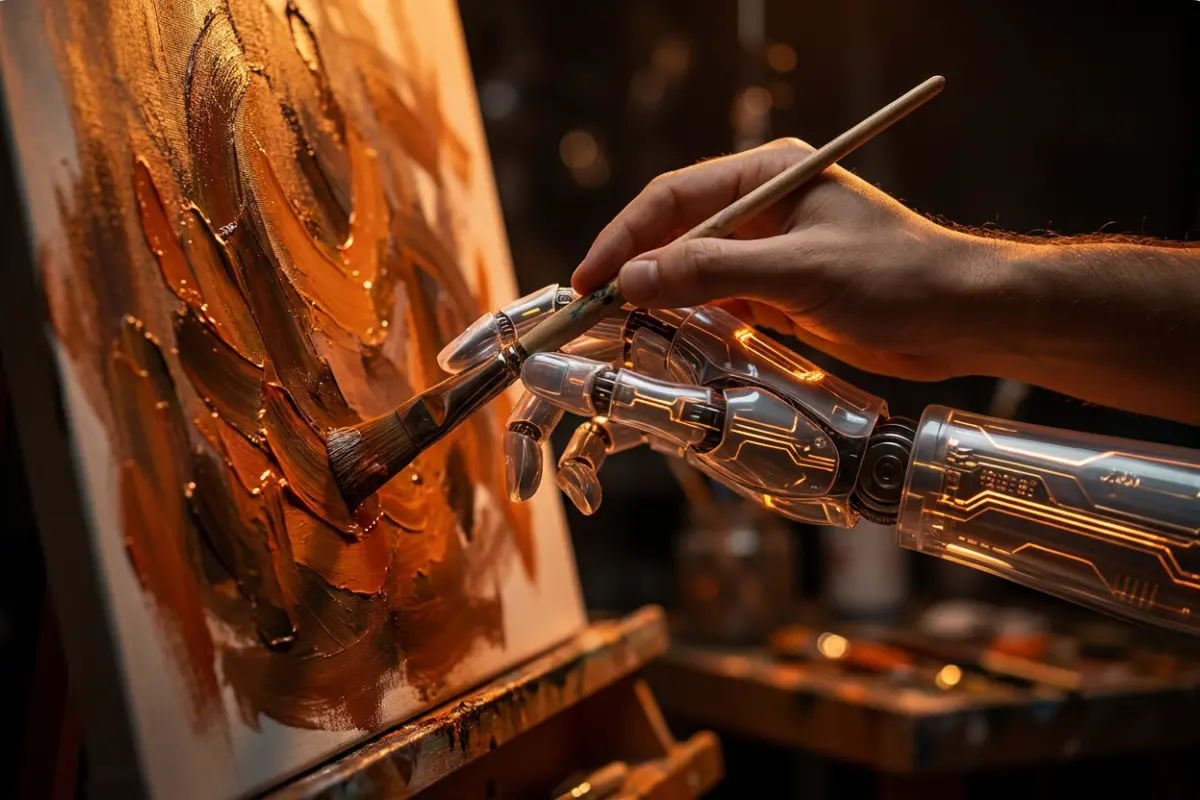
What Ai Are We Using Inside A Design Team in 2026?
A question we get asked a lot with new clients is: if AI can do so much now, why not just use Ai myself and skip using an agency?
We love that question, because the honest answer is the whole point of how we work. We use Ai tools too, even sometimes Canva, alongside a dozen others. The difference isn't the tools. It's knowing which one to reach for, at which moment, and where to stop letting the machine make decisions. Used well, AI let's us deliver work faster and keep your costs smaller. Used badly, it produces the generic, slightly-off output you've probably already seen too much of. Here's exactly how we use it and exactly where we don't. If you're still chewing on the bigger question of whether AI makes designers redundant at all, we covered that here: Can AI replace a graphic designer in 2026?
Our One Rule
AI does the reproduction, humans do the judgement
Everything below follows a single principle. AI is allowed to do the repetitive, time-consuming production work the stuff that used to quietly eat half a project. People keep hold of every decision that shapes how your brand looks and feels. The industry split backs this up: in 2026 roughly three in four designers use AI tools, but only about a third use it for core design work. The tools earn their keep around the edges of the craft, not in the middle of it. That's the line we hold, and it's the reason our work doesn't look machine-made.
Tools across a project using AI
1. The brief and direction - entirely human
Before any tool opens, we work out what the job actually needs: your audience, your goals, the feeling the work has to leave behind, the constraints it has to live within. This is the part that decides whether everything afterwards hits or misses, and it's 100% human. Skip it, and AI will happily produce something polished that solves the wrong problem.
Where this saves you: getting direction right up front means fewer rounds of revisions later, the expensive kind.
2. Concept and moodboarding - fast exploration
Once we know the direction, we use AI to explore it quickly. Tools like Midjourney and Google's newer image models let us visualise a range of creative routes in an afternoon rather than a week, so you see real options early instead of waiting on a single hunch.
Where this saves you: you get to react to several directions fast, and we kill the weak ones before they cost anyone time.
3. Generating assets - safely
When we need generated imagery in client work, we lean on commercially-safe tools like Adobe Firefly, which is trained on licensed content and built into the professional software we already use. This matters more than it sounds: not every AI tool gives you clean rights to use the output in a paid campaign, and "we found it on an AI generator" is not a position you want your brand to be in. We handle that so you never have to think about it.
Where this saves you: production-ready assets without licensing risk, and without the hours of manual editing they'd have taken by hand.
4. Vectors, logos and print
For anything that needs to scale cleanly; logos, icons, print artwork, we use specialist tools like Recraft, which generates true vector files, and Kittl for branded and print-ready design. These give us a fast, clean starting point that we then refine by hand to a professional standard.
Where this saves you: sharp, scalable, print-safe artwork produced in a fraction of the usual time.
5. Layout and quick-turnaround assets and yes, including Canva
This is the honest bit. We do use Canva (and its AI features) for high-volume, fast-turnaround work: social posts, simple campaign variations, on-brand templates your own team can reuse afterwards. It's a genuinely good tool for that job.
The difference between us using it and you using it isn't the software. It's that we build the brand system, the templates and the rules first so everything that comes out of it is consistent, considered and unmistakably yours, rather than a stock template anyone could land on.
Where this saves you: the speed of Canva with the coherence of a proper brand system behind it.
6. Web and UI
For digital work, tools like Figma's AI features help us generate and test layouts quickly and keep large projects consistent; checking that spacing, colour and components stay true to your design system as a build grows. Faster prototypes mean you see and shape the real thing sooner.
Where this saves you: quicker prototypes, fewer inconsistencies, and less rework once a site is live.
7. The small time-savers
A lot of the speed lives in unglamorous places. AI handles colour-palette exploration, font pairing, background removal, image upscaling and tidy-ups that used to be done click by click. None of it is visible in the final work, it just means more of our time goes to the parts that are.
Where this saves you: the boring hours shrink, so the budget goes to craft instead of admin.
8. Refinement and deliver, human again
The final stretch is back in human hands: the adjustments, the polish, the judgement calls about what's working and what's merely fine. This is the 10% that separates a result you're proud of from one that's just acceptable and it's never automated.
The corner we never cut
You'll notice the pattern. AI opens and accelerates; humans direct and finish. We never let a tool make the strategic or creative decisions, never ship something just because it generated cleanly, and never let speed flatten your brand into the AI-generic look that's everywhere right now. That's the real answer to "why not just use Canva myself." You absolutely can and for some jobs you should. But for the work that carries your brand into the world, the value was never in producing a graphic. It's in the judgement that decides whether the graphic is right. We've simply made that judgement faster and more affordable to access, by letting the machines carry everything around it.
Want design that moves at modern speed without looking like everyone else's? Get in touch, we'd love to show you what that looks like for your brand.

Written by
Lillian O'Halloran
blogs
Our experts share their insights on all things brand, design and digital. We keep our fingers on the pulse, making sure we’re always ready to give our partners the latest expertise and advice.
DIY vs. Agency Website Maintenance: An Honest Comparison
Every business reaches the same point sooner or later. The site is slow, or a plugin update has broken the contact form, or the hosting bill has gone up, and someone asks: "Can't we just handle this ourselves?"

Does Your Business Really Need a CMS?
When it comes to building a new website, a Content Management System (CMS) is often treated as a given. WordPress. Webflow. Shopify. Drupal. Squarespace. There are plenty of platforms to choose from, and the conversation often starts with which CMS should we use?
Why Isn't My Organic Social Media Performing?
If you're posting consistently but still not seeing the engagement or enquiries you'd expect, here are the eight most common reasons why and what to do about each one.

DIY vs. Agency Website Maintenance: An Honest Comparison
Every business reaches the same point sooner or later. The site is slow, or a plugin update has broken the contact form, or the hosting bill has gone up, and someone asks: "Can't we just handle this ourselves?"
Does Your Business Really Need a CMS?
When it comes to building a new website, a Content Management System (CMS) is often treated as a given. WordPress. Webflow. Shopify. Drupal. Squarespace. There are plenty of platforms to choose from, and the conversation often starts with which CMS should we use?
Why Isn't My Organic Social Media Performing?
If you're posting consistently but still not seeing the engagement or enquiries you'd expect, here are the eight most common reasons why and what to do about each one.